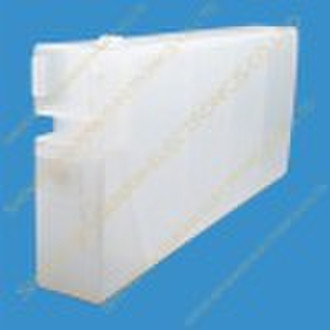
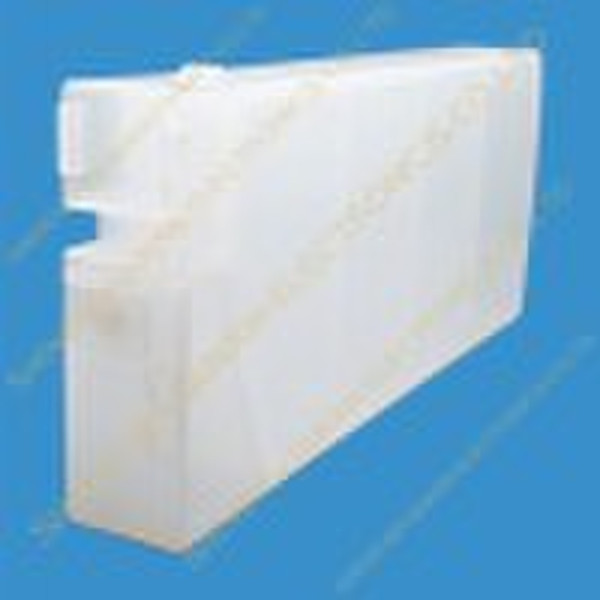
Refill ink cartridge for Epson GS6000 plotter


kenter zhang
Contact person
Basic Information
1.refill inkcartridge isapplicable for the Epson GS6000 printer. 2.refill inkcartridge Instruction is as follows: 1) Take the orginal chip out of the orginal cartridge, 2) Install the orginal chip into the compatible cartridge. 3) Install the decoder /Electronics card , original chip with the decoderperformsthe sameasthe auto reset chip(ARC). 4) Refill the Eco Solvent ink into the cartridgewith syringe,thenthe cartridge can work. 5)To makethe ink flow smoothly,you can pump all the air out of the cartridge by syring through refilling hole . Or you also can take out the air hole rubber, then tilt the ink to the refilling hole,finally install the air rubber( the cartridge air pressure will be balance with the outsaid air pressure) 3.Remark: 1)Pls often checkwhether thereis enough ink in the compitable cartridge. 2) The full ink level is 1000ml, when the ink is only 150ml,pls refill ink into the cartridge. Otherwise, the cartridgewould stopworking. (You can check the weight of the cartridge by weighing.)
Delivery terms and packaging
Packaging Detail: Netural packing Delivery Detail: 3-5day on receipt the payment
Port: Shenzhen
Payment term
Telegraphic transfer
MoneyGram
Paypal
Western Union

-
Payment Methods
We accept:




